| Permalink: |
Serious error when receiving command
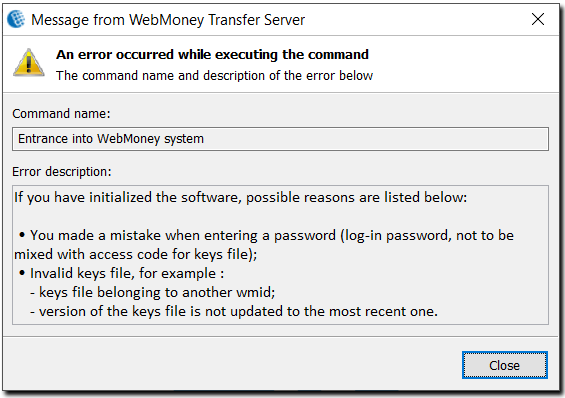
Possible reasons for the error and how to correct it
1 It is possible that service files have been damaged, so try to initialize the program, first making sure that you have a correct key file.
2 If after re-initialization the error remains, then check that you are entering the correct WMID during login.
3 Another reason, possibly, is that you are entering an incorrect login password. Try all possible password variants which you could have specified; check the keyboard layout; you can also try entering the password in another language (you could have specified the password using another keyboard layout). Keep in mind that the password is case-sensitive, so bear in mind the difference between upper case and lower case characters. Do not confuse your login password with the Registration code, Activation Code and key file access code: these are all different passwords.
4 You are specifying an incorrect Key file during software initialization, such as a key file for another WMID or an old key that you saved before the last time you changed your key in your WM Keeper WinPro security settings.
If you haven't managed to correct the error on your own, you need to go through the procedure for restoring control over WM Keeper WinPro.